You Can't Seed Google Q&A Anymore. Ask Maps Reads This Instead.
Google retired public Maps Q&A. Here's a short playbook for feeding Ask Maps with profile fields, specific reviews, and a clean website.

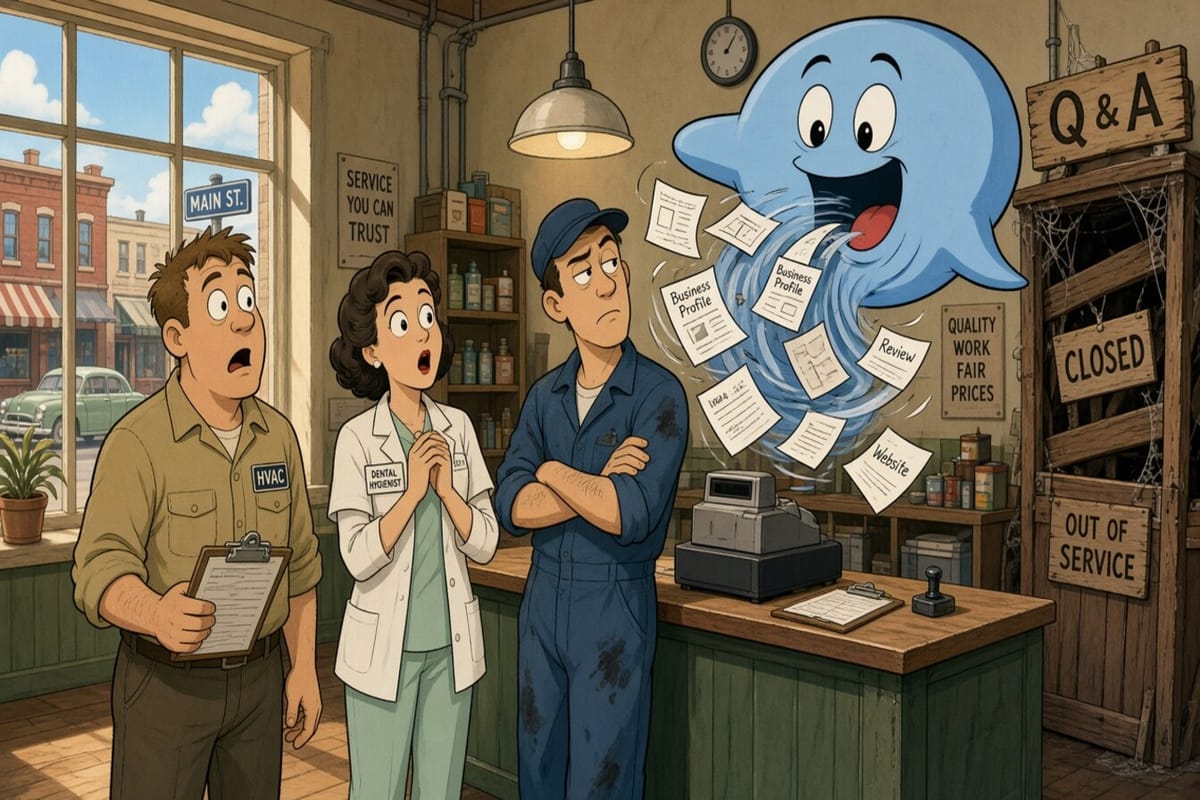
You used to seed a tidy FAQ on your Google listing. Fake questions, perfect answers, parking policy locked in before anyone asked. That trick is mostly dead.
Google has been retiring the public Q&A section on Maps. In December 2025, Barry Schwartz at Search Engine Roundtable reported Google Product Specialist Dan Boguslavsky confirming the shift: customers ask in Maps and get an instant answer drawn from your profile answers and relevant reviews, instead of scrolling a wall of stale FAQs.
What replaces it is Ask Maps, Google’s Gemini-powered conversational layer in Maps. BrightLocal’s April 2026 Q&A guide spells out the practical part: answers come from your Business Profile fields, reviews, your website, and then third-party sources if those are thin. You don’t approve the reply. You feed the pantry.
If your profile still says “full service” and your reviews all say “great job!!!,” Ask Maps has almost nothing useful to cook with. Here’s a short playbook for local shops.
1. Probe what Ask Maps already says about you
Open your listing in the Maps app (where Ask Maps shows up) and ask the questions a real customer would ask before they call:
- Do you offer same-day or emergency service?
- Do you serve [neighboring town]?
- Is there parking / do you come to the house?
- What should someone expect on a first visit?
Write down what it answers, which sources it cites, and where it invents confidence from thin air. BrightLocal’s advice is blunt: there’s no “edit this AI answer” button. Wrong answers are clues about gaps in your profile, site, or reviews.
Shop-floor tell: if it claims you do something you stopped offering two years ago, that old service line or photo is still feeding the model.
2. Treat the Business Profile like a primary source, not a phone book
Ask Maps leans hard on categories, services, attributes, hours, description, and posts. Fill the boring fields like they matter, because they do.
- List services the way customers ask (“water heater replacement,” “same-day AC repair,” “teeth cleaning for kids”), not only the trade name on the van.
- Flip on every true attribute (wheelchair accessible, women-owned, online estimates, and so on).
- Keep hours honest, including holiday hours. A model that says you’re open when the door is locked is a one-star in prose form.
- Rewrite the description so a stranger knows what you actually handle, not that you’re “committed to excellence.”
You’re not stuffing keywords. You’re removing ambiguity. Ambiguity is how Ask Maps starts quoting a directory that last updated your phone number in 2019.
3. Make reviews specific enough to quote
Gemini doesn’t just count stars. It pulls phrases. A review that says “fixed the attic unit on a Saturday and texted when they were 20 minutes out” is source material. “Awesome service 10/10” is confetti.
Keep asking after the job, the visit, or the delivery — the plain, Google-safe way. Google’s Maps user-generated content rules still ban incentives for reviews and, with the 2026 updates, ban coaching customers to include specific content or staff names. So don’t hand them a keyword script. Do the work that creates specifics, then ask for an honest review of the experience.
If you want a clean after-the-job ask without nagging from a spreadsheet, tools like More Good Reviews help you send the request once the work is done. The goal is more real paragraphs, not louder five-stars.
4. Put the same answers on your website
When the profile is thin, Ask Maps looks at your site. When the site is thin, it looks elsewhere. That “elsewhere” is rarely flattering.
- Give each major service its own page with real details (what’s included, who it’s for, what happens next).
- Add a simple FAQ for the questions your front desk already answers ten times a week: service area, financing, warranty, what to clear before the tech arrives, whether you bill insurance.
- Match names and hours to the Business Profile. Conflicting signals make the model shrug and cite whoever sounds sure.
If you’ve been meaning to fix the “Services” page that still lists a product you dropped, this is the week. Ask Maps will keep reading it until you don’t.
5. Clean photos and posts so the visual story matches reality
Ask Maps often surfaces listing photos with answers. Old branding, a retired truck wrap, or a waiting room you remodeled out of existence will keep showing up like a ghost tour.
- Upload current exterior, interior, team-at-work, and finished-job photos.
- Delete anything that no longer looks like Tuesday at your shop.
- Use posts for temporary truth: holiday hours, a temporary phone line, a seasonal offer that isn’t a review bribe.
You’re not chasing “engagement.” You’re giving the model fewer reasons to hallucinate your storefront.
6. Fix third-party listings when Ask Maps cites the wrong book
If the answer points at an old Apple Maps pin, a stale Yelp hours field, or a chamber directory with your previous owner’s cell, update those sources or ask the publisher to. BrightLocal notes that inconsistent public data is a common path to wrong AI answers.
You can’t yell at Gemini. You can stop feeding it contradictory scraps.
7. A weekly habit that fits a busy shop
Fifteen minutes, once a week, beats a quarterly panic:
- Ask Ask Maps three customer questions about your place.
- Note one wrong or vague answer.
- Fix the matching field, service line, FAQ, or photo.
- Send a handful of plain review asks to recent finished jobs.
- Post one truthful update if something changed (hours, coverage, booking link).
That’s the whole diet. No seeded FAQ cosplay. No hoping the old Q&A dump still ranks.
What this is not
This is not “hack Ask Maps with magic prompts.” You don’t control the wording of the answer. You control whether the model has fresh, consistent facts and reviews with real detail.
It’s also not the same problem as Google’s AI review summaries on the listing (the blurbs that paraphrase themes from reviews). That layer is about how your reviews get compressed. Ask Maps is about questions people type when they’re deciding whether to call you at all.
The bottom line
Public Q&A used to let you publish the script. Ask Maps reads the set: your Business Profile, your reviews, your site, and whatever else Google can find. Fill the profile like a primary source, earn specific reviews without coaching the text, keep the website and photos current, and chase down stale third-party facts when the AI cites them. Do that weekly and you’re not “optimizing for AI.” You’re making sure the answer a stranger gets in Maps matches the shop they actually walk into.