Google Already Wrote Your Review Blurb. You Can't Edit It.
Google wrote an AI review summary on your Maps listing from the past year of reviews. You can't edit it—here's what actually moves those themes.

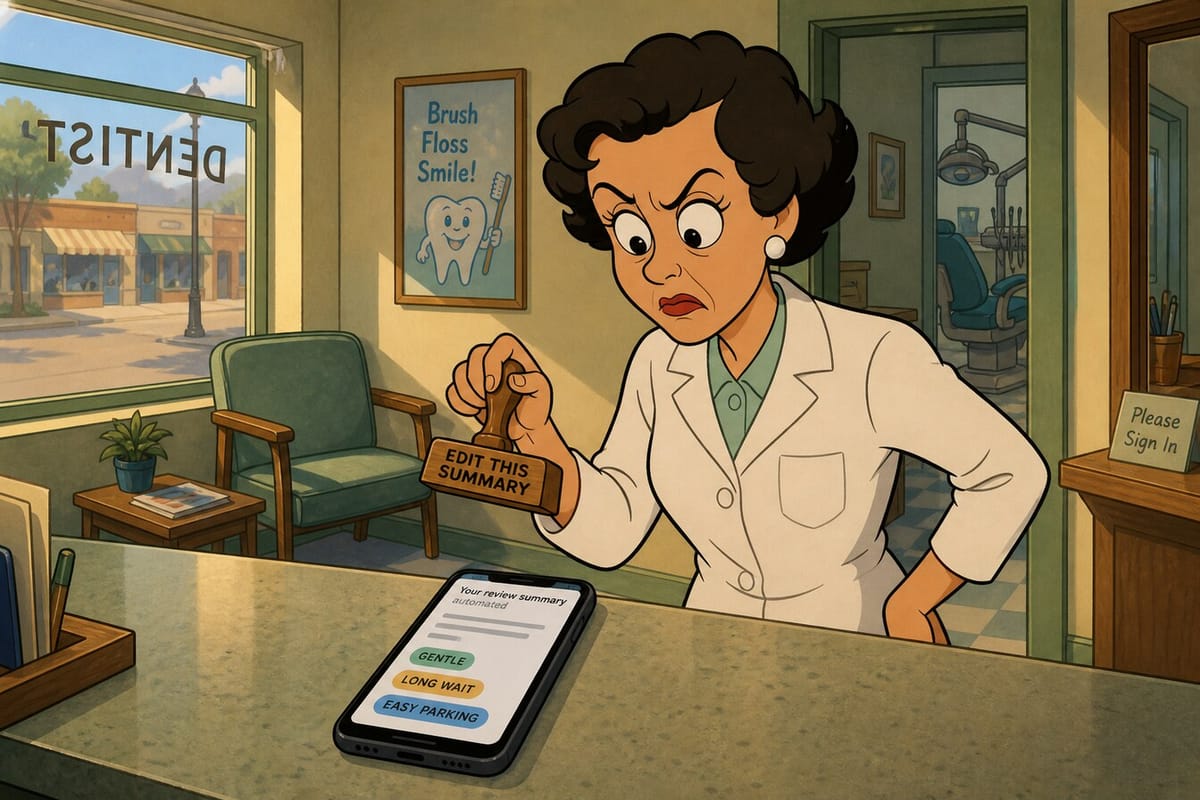
Someone just opened your Google Business Profile. They didn't call. They didn't scroll the full review wall. They read a short paragraph Google wrote for them — common themes, a tip or two, maybe a few topic chips — then decided whether you're worth the drive.
You never typed that blurb. You can't open an editor and fix the awkward sentence. And if the chips say "long wait" louder than "on time," that first glance still sticks.
This isn't about AI chatbots recommending your shop somewhere else on the internet. It's the summary sitting on your Maps listing — the review blurb, Place Topics, and keyword snippets customers see before they bother with the rest. The HVAC van, the salon chair, the dental front desk, the auto bay: same screen, same impatient thumb.
Here's the myth pile local shops keep tripping over, and what Google's own docs actually say.
Myth: You can edit the review summary and Place Topics
Reality: You can't. Google uses AI to analyze people's reviews and compile a helpful summary that highlights common sentiment and tips. Per Google's Local Listings Help, each summary is based on reviews from the past year and updated regularly. Summaries aren't available for every place — limited reviews or a lack of consistent themes are among the reasons.
Google Business Profile Help on business summaries is just as blunt on Place Topics: they're based on customer reviews, they only show when there's enough review volume, and owners don't manage them. Review snippets highlight keywords people mention most. Editorial summaries (those short writer-style lines on some places) can't be edited either.
If an abusive review is seeding an abusive topic, flag the review. You don't get a "rewrite this chip" button. Staring at the listing and whispering "show the nice ones" also doesn't count as a workflow.
Myth: Stuffing keywords into your business description rewrites the AI blurb
Reality: Your business description and the review summary are different animals. Businesses can edit their description — what you offer, what sets you apart, a bit of history. That's the box you own.
The review blurb, Place Topics, and review snippets come from what customers write. Rewriting your description to say "punctual HVAC techs" and "easy parking" does not force those phrases into the AI summary. Google's docs separate the editable description from the review-driven summaries on purpose. Treat the description as useful storefront copy. Treat the blurb as a mirror of recent review themes — not as a second SEO field you can jam until the algorithm folds.
Myth: One five-star "amazing service!!!" moves the blurb
Reality: One fireworks review doesn't rewire the summary. Google looks for common sentiment across reviews, and summaries need enough reviews plus consistent themes to show up at all. A lonely "AMAZING!!!" next to a stack of "showed up late / left a mess / hard to reach" still reads like what it is: noise next to a pattern.
If you want the blurb to sound like "clear pricing" and "finished on schedule," more customers have to experience that — and write about it in their own words — over the past year window Google uses. Consistency beats volume theater. Ten vague five-stars help less than a steady run of specific notes about the same strengths.
Myth: Coach them to write "great parking and on-time"
Reality: That's how you get sideways with Google. The Maps User Generated Content Policy allows a plain ask for a genuine review. It does not allow requesting that specific content be included, pressuring for a rating on the premises, gating ("only if you were happy"), or incentives for posts.
So skip the cue cards taped to the counter. Do the work so the themes show up naturally. Ask plainly after the job. Reply thoughtfully. Keep the profile accurate. Flag policy-breaking reviews. Influence the blurb by earning consistent experiences — not by scripting phrases for the parking lot or handing staff a "please mention our waiting room" line.
Google's own tips to get more reviews stay in that lane: remind customers, reply, and value all reviews — including the awkward ones. A balanced mix often feels more trustworthy than a wall of identical praise anyway.
Myth: Ignore one-stars and they'll fall out of the summary
Reality: Past-year reviews feed the summary. Looking away doesn't delete a theme. If three people mentioned the same scheduling snarl, that note can still surface even while you're hoping the internet forgets.
Reply in public when it helps. Fix the real issue when it's yours. Flag reviews that break policy. Google's reply guidance is practical: be specific, stay polite, don't paste the same "thanks!" on every five-star, and for negatives, acknowledge the problem without turning the comment thread into a street fight.
Also worth knowing: Google's Search Central guidance on AI features says there's no special AI trick stack. Keep Business Profile information up to date and stick to the same SEO fundamentals. Accurate hours, categories, and services won't rewrite your review blurb — but they stop the rest of the listing from looking half-abandoned while the summary does the talking.
This month's playbook
You can't edit the blurb. You can still run the shop like someone who knows the blurb is watching.
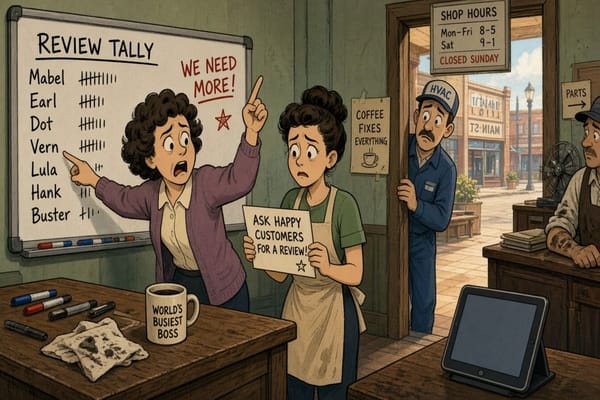
- Earn plain asks. After a clean job, remind people they can leave a Google review. Link or QR is fine. No gift cards, no "five stars only," no scripted phrases.
- Make the experience match the themes you want. If you want "on time," stop promising windows you can't keep. If you want "clear pricing," say the number before the invoice surprises them. Themes follow reality.
- Reply in public with specifics. Name the detail they praised or the issue you're fixing. Copy-paste thanks reads like a closed shop.
- Keep the profile accurate. Hours, services, categories, phone, and website. Same fundamentals Google already recommends for Search and AI features.
- Flag abusive reviews that seed bad topics. Owners don't manage Place Topics; they flag the reviews that create abusive ones.
- Don't buy, gate, or script reviews. Fake, incentivized, or coached content is how you trade a short-term rating bump for a long-term mess.
Check your listing the way a stranger would: open Maps, read the summary first, glance at the chips, then decide if you'd call. That thirty-second test is closer to how customers behave than your internal "we got another five-star" Slack ping. If the blurb and the chips don't match the shop you think you run, the fix is operational — not editorial.
The bottom line
Google already wrote a review blurb for your Business Profile from the past year's reviews. You don't get an edit button on that paragraph, on Place Topics, or on the keyword snippets. What you get is the boring, durable work: do the job so the right themes show up on their own, ask plainly, reply like a human, keep the profile honest, and flag the junk. The customers who never scroll past the summary still meet your reputation — whether you typed it or not.