The Agency Playbook, Part 2: Your First Client Just Signed. Here's Your First 30 Days.
Your first client signed. Here's how to get proper access (manager, not owner), audit what you inherited, and run the first 30 days so they see progress before the first invoice.

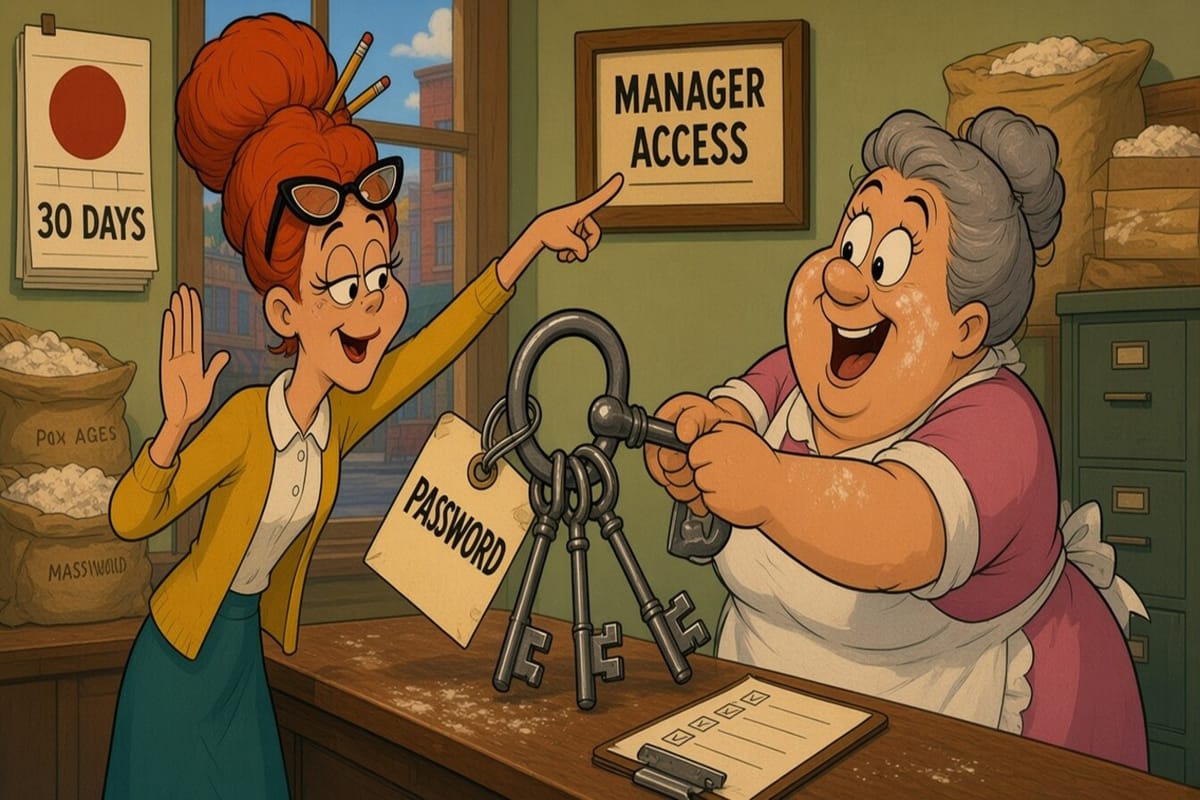
The client said yes. The proposal is signed, the first invoice is drafted, and the owner just texted you their Google password "so you can get started." It's the same password they use for the shop's email, the payroll login, and probably the garage door.
Don't use it. That text is the first test of your agency, and the right answer is a polite no.
This is Part 2 of The Agency Playbook, a seven-part series for people new to running reviews and local listings for local service businesses. Part 1 covered what the job actually is. This part covers the stretch that decides whether the client stays a year or cancels in month two: getting proper access, auditing what you inherited, and running the first 30 days so the owner sees progress before the first invoice lands.
Before day one: paperwork that saves you later
Three things go in writing before you touch a single listing. Google requires two of them.
- The "it's free" disclosure. Google's third-party policies say that if you charge a management fee, you must tell new customers "in writing before you manage their profile" that Business Profile is a service provided at no extra cost, and disclose the fee on invoices. Put one sentence in the agreement. Done.
- The disclosure notice link. The same policy says agencies that mainly serve small and medium businesses must share Google's "Working with a third party" disclosure notice, link it somewhere discoverable on the agency website (the footer works), and tell clients about it by email or mail when you start or renew.
- An exit clause. Google says clients must have "a quick and easy way to discontinue your service," and that within 7 business days of notice you have to give them back exclusive control and remove your own permissions. Writing that into the contract costs nothing and makes you look like the one agency in town that isn't holding listings hostage.
Plenty of clients arrive because the last agency owned their profile and stopped answering the phone. Being the opposite is a selling point.
Days 1–3: get the right access (manager, not owner)
Google is blunt about how this should work. Its ownership guidelines say authorized representatives must "never claim a Business Profile without express consent from the business owner," must work directly with the owner on verification, and should encourage the owner to own the profile and add the agency as a manager. The third-party policy adds that clients "must retain ownership or co-ownership of their Business Profile at all times."
So the setup is simple:
- The client owns the profile on their own Google Account. A shared "info@" account they actually control is fine. The nephew's personal Gmail is not.
- The client invites your agency as a manager. Per Google's owners and managers page, they go to Business Profile settings, then People and access, then Add, enter your email, and choose Manager. Managers can edit info, respond to reviews, manage posts and photos, and download insights. They can't add or remove users or delete the profile, which is exactly the point.
- If you'll run several clients, use an organization. Google's agency invites page explains that an owner can invite your business group by its ID, or you can request access from Business Profile Manager and choose which group the profile lands in. Easier to manage at ten clients than a pile of individual invites.
Plan for one quirk: Google says new owners and managers wait 7 days before they can remove other users, transfer primary ownership, or delete a profile. So if your audit turns up stale users to clean out, do the access dance on day one, not day six.
When nobody can find the login
It happens more often than it should. The People and access page lists an owner nobody recognizes, or a former employee, or an agency from 2021 that now goes straight to voicemail.
- If the client can reach the current owner, have them ask nicely for a primary ownership transfer.
- If not, the client (not you) requests ownership. Google's request ownership page says the current owner gets an email and has 3 days to respond. If they don't, the client may get the option to claim the profile by verifying. Service-area businesses without a storefront go through Google support instead.
- Set expectations. Tell the owner this can take a week or two, and that it's the fault of whoever set it up, not Google, and not you.
The other platforms
Same principle everywhere: the business owns the account, you get your own seat.
- Apple Business. Apple's guide says an organization can invite a user with their existing Apple Account and assign the Marketing Administrator role or a custom role with brand permissions. Ask for that, not the owner's Apple ID.
- Yelp and Facebook. Get added as a user on the business account or Page rather than borrowing the owner's personal login. The owner should be able to remove you in two clicks.
Keep a simple access log per client: platform, who owns it, your role, date granted. You'll need it in month 14 when someone asks, "wait, who has access to our Yelp?"
Days 4–7: the first-week audit
Before you change anything, write down what you found. This "before" picture is the answer when the client asks in March what they're paying for.
The checklist:
- Name, address, phone, website. Do they match on Google, Apple, Yelp, Facebook, Bing, and the client's own site? Google's guidelines say the phone and website should be the single authoritative number and site for the business. Watch for the old landline still on Apple Maps, ringing in a storage closet.
- Business name. Real name only. "Dave's Roofing – Best Roofer Near Me" is a suspension waiting for a reason.
- Categories. Is the primary category the thing they actually do most? An HVAC shop listed under "Contractor" is leaving calls on the table.
- Address vs. service area. If they go to the customer, Google says to hide the address and list service areas.
- Hours and special hours. Thanksgiving is a month away. Note it now.
- Duplicates. Search the name and phone on Maps. Look for an old address or a second profile someone made in 2019.
- Pending suggested edits. Customers can now suggest listing edits by chatting with Maps. Check what's queued before it goes live.
- Reviews. Count, average rating, date of the most recent review, how many have no reply, and the oldest unanswered one-star. That last number is usually the one the owner remembers.
- Photos and posts. When was the last upload? A profile with no activity since 2023 looks abandoned, even when it isn't.
- Performance baseline. Pull the last few months of calls, direction requests, and website clicks from Google's performance report. Screenshot it. This is the number you'll be judged against.
Then send the owner a one-page summary: what's wrong, what you'll fix first, and what needs their input. Google requires you to keep clients informed of changes anyway.
Days 8–30: quick wins first, then the review engine
The first month has one job: make the client feel the money was well spent before the second invoice. Fix things they can see.
Week 2: fix the obvious. Correct mismatched phone numbers and hours, clean up categories, set holiday hours, and resolve duplicates. Tell the owner each change as you make it. A one-line email beats a surprise.
Week 2: clear the reply backlog. Answer the unanswered reviews, newest first, worst first. Keep it short and specific. Google's review reply guidance warns against identical "thank you" replies on every review. The owner will notice that old one-star finally has an answer, and a calm one.
Week 3: start asking for reviews, slowly. Set up a steady ask after completed jobs instead of emailing the whole customer list on a Tuesday afternoon. Google can pause new reviews after a sudden spike, and explaining that to a client in week three is not a great look. Part 4 goes deep on getting reviews flowing. For now, steady beats spiky.
Week 3: add a few real photos. The client's phone almost certainly has job photos from this month. Ask for five. You'll get thirty, eleven of which are the inside of a pocket.
Week 4: the first report. Compare against your day-seven baseline: what you fixed, replies posted, new reviews, and the performance numbers. Keep Google data separate from other platforms, which Google's third-party policy also requires. Part 6 covers reporting and pricing properly.
If the review ask is the part you'd rather not run by hand for every client, that's what More Good Reviews does: it sends review requests after each job and drafts replies across client accounts, so week three doesn't eat your whole week.
What's next in the series
Next Monday, Nov. 2, Part 3 covers the rules: review gating, incentives, quotas, and the other ways a well-meaning agency gets a client suspended. Short version: if it sounds like a clever loophole, it's in the policy already.
The bottom line
Onboarding is where an agency proves it's trustworthy. Get your own manager seat instead of the owner's password, put the free-listing disclosure and an easy exit in writing, audit everything before you touch it, and spend the first 30 days fixing things the owner can see. Do that, and the second invoice is the easy one.